Explore Sample Data
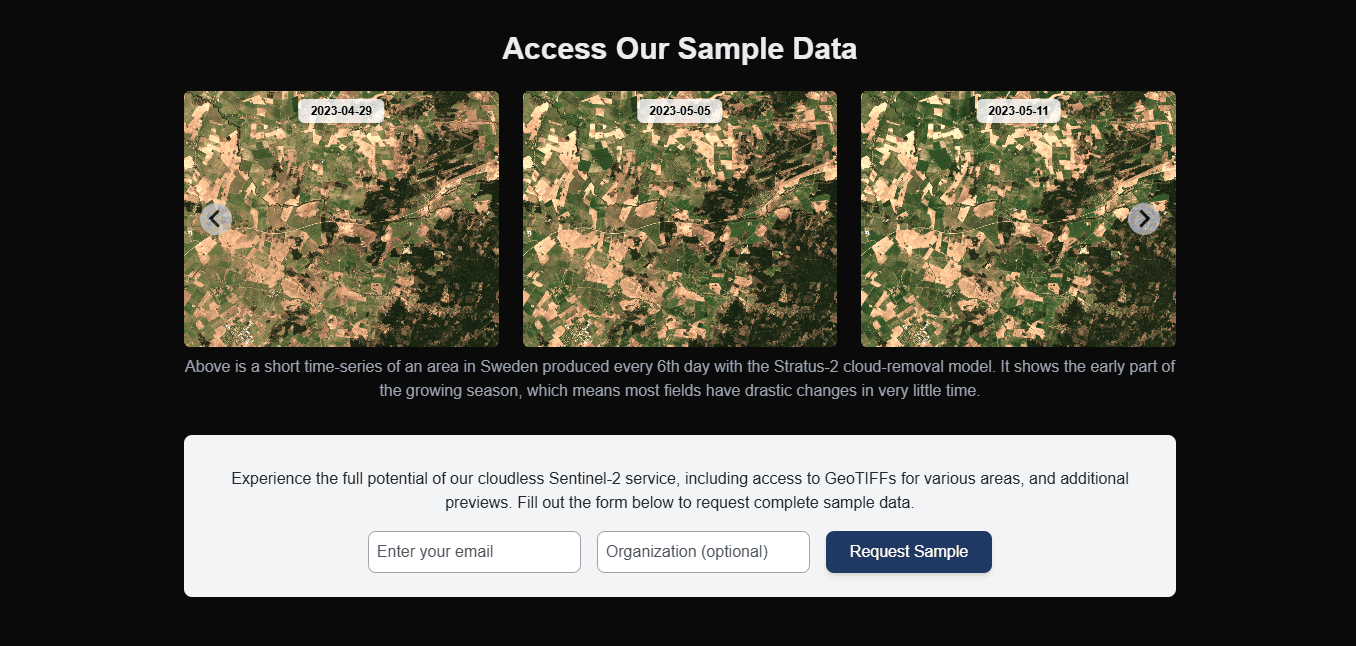
Use this page to quickly evaluate ClearSKY outputs before committing to a full integration. Sample access is intended for format and quality checks, not for long-running production workflows.
What You Can Request
- GeoTIFF sample outputs for a representative area.
- Optional comparison report for your area and use case context.
Use the demo form to request access.
Before You Submit the Form
Prepare these details to get a useful sample set:
- region or AOI description,
- preferred time window,
- intended use case (for example agronomy monitoring, environmental tracking),
- whether you need only imagery or imagery plus comparison context.
What to Validate in Returned Samples
- CRS/EPSG compatibility with your stack,
- pixel resolution suitability,
- band availability needed for your indices,
- metadata/provenance fields your pipeline requires.
For format and scaling rules, use Data specification.
Common Failure and Fix
- Failure: sample looks good visually but does not match downstream pipeline assumptions.
- Fix: validate band names, data type/scaling, and projection before building ingestion code.
Next Step
- If samples meet your needs, continue with Create your first order.
- If you need deeper product context first, continue with Data product overview.
- For report requests, use the same demo form and review the comparison report example.