Get Credentials / API Key
Create an Account
- Open dashboard.clearsky.vision.
- Sign in with Google or email.
- Verify your email if you used email signup.
Get the API Key
- In the dashboard, open Settings.
- Copy your API key.
- Store it securely in an environment variable.
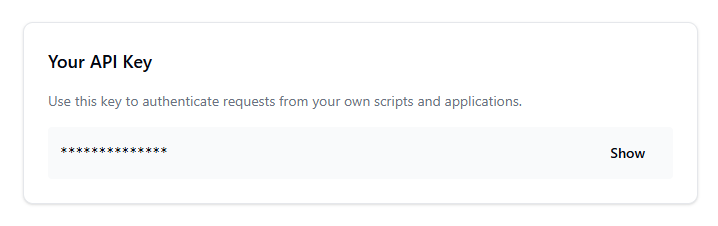
Screenshot: API key section in Settings where you reveal and copy your key.
Use the API Key
Send the key in the x-api-key header for every API request.
x-api-key: <your-api-key>
Content-Type: application/json
For full auth and request rules, see Authentication.